Snowflake Cortex LLMs
Agents in the native app can run on Snowflake Cortex models. Inference happens inside Snowflake — there are no external LLM providers to sign up for and no API keys to manage.
Grant Cortex access to the app
Before Cortex models can be added in the app, grant the app access to Cortex. Run as ACCOUNTADMIN:
GRANT DATABASE ROLE SNOWFLAKE.CORTEX_USER TO APPLICATION <app_name>;
GRANT APPLICATION ROLE SNOWFLAKE."CORTEX-MODEL-ROLE-ALL" TO APPLICATION <app_name>;
If your account is in a region where the model you want is not hosted natively, also enable cross-region inference (opens in a new tab) — without it the model returns errors even with the grants in place:
ALTER ACCOUNT SET CORTEX_ENABLED_CROSS_REGION = 'ANY_REGION';Add a Cortex model
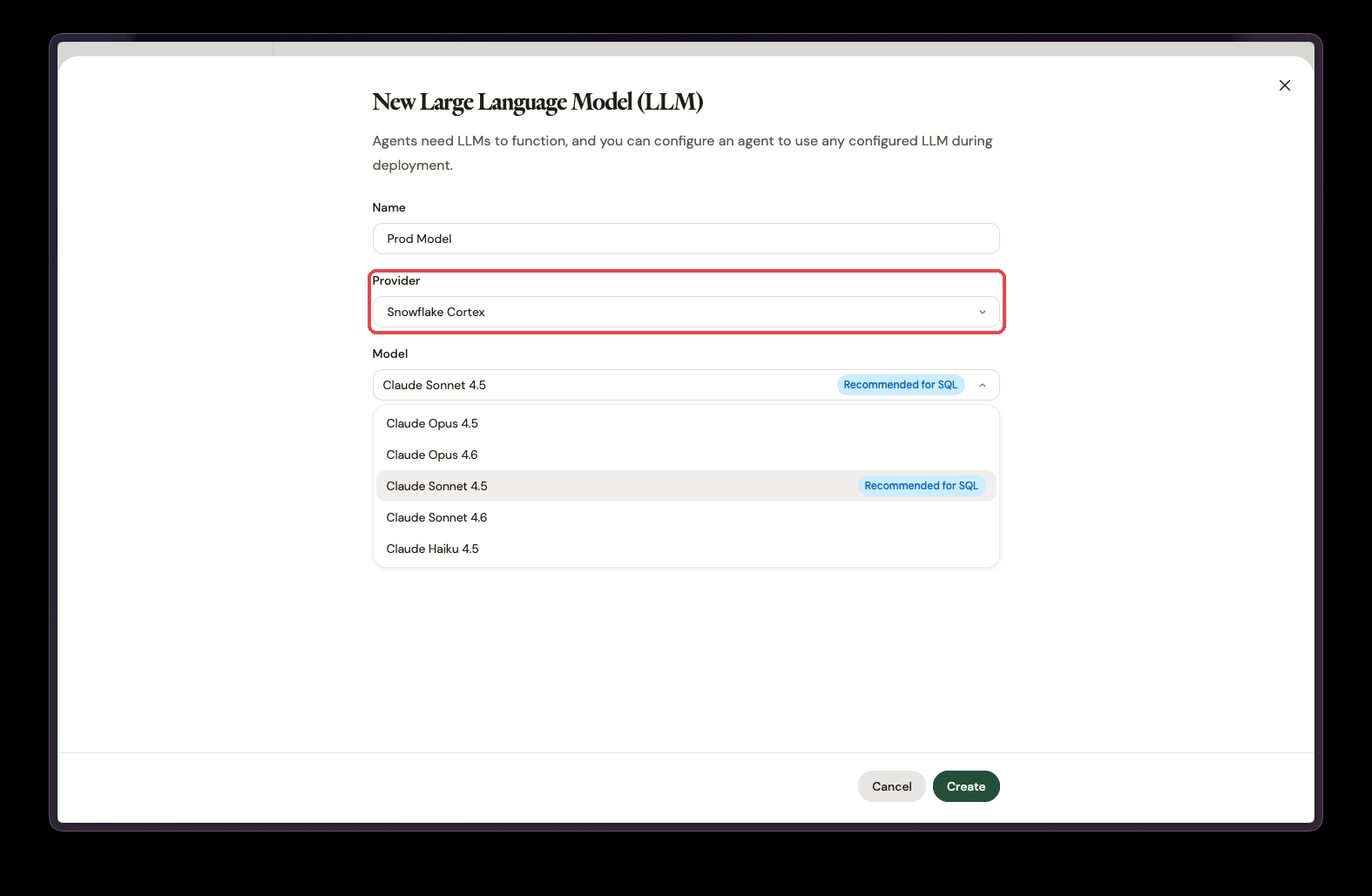
In the app, go to Settings → LLMs and add a new LLM. Give it a name, select Snowflake Cortex as the provider, and pick the model. Once the grants are in place, no credentials are needed — select Create and the model is ready to use in agents.
Troubleshooting
If errors are shown when adding or using a Cortex model, Snowflake's base model list may be out of date. Refresh it first (requires ACCOUNTADMIN):
CALL SNOWFLAKE.MODELS.CORTEX_BASE_MODELS_REFRESH();Then try adding the model again.
Looking for Cortex Analyst Semantic Views instead? See Data connections.