MCP servers
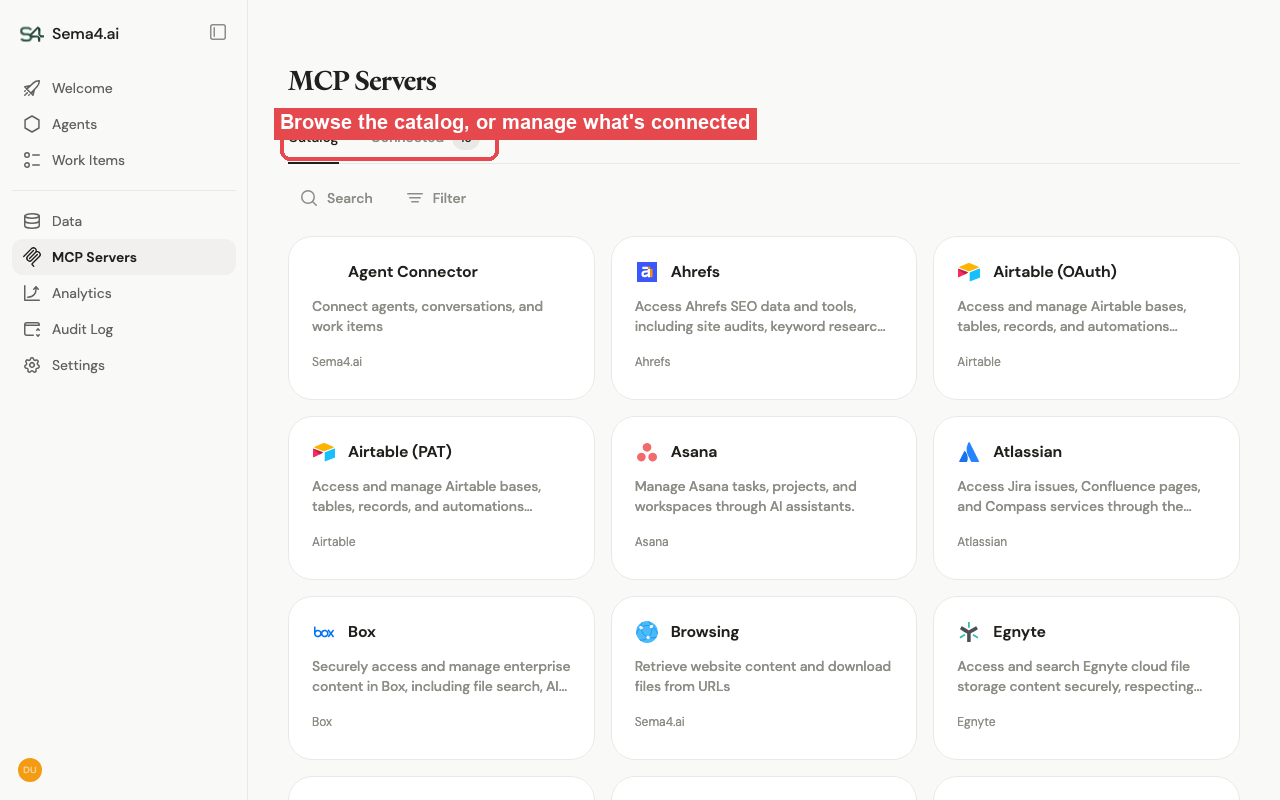
Manage the MCP servers that give agents their tools, from the MCP Servers section. There are three kinds: vendor remote MCPs, the Sema4.ai MCP Gallery, and custom MCPs — see MCP servers (overview). The view has two tabs.
Catalog
Browse every server available to the workspace and connect the ones you want.
Connected
Manage the servers already connected. Each row shows the server's status (online, or needs authentication), how many agents use it and tools it exposes, and its type.
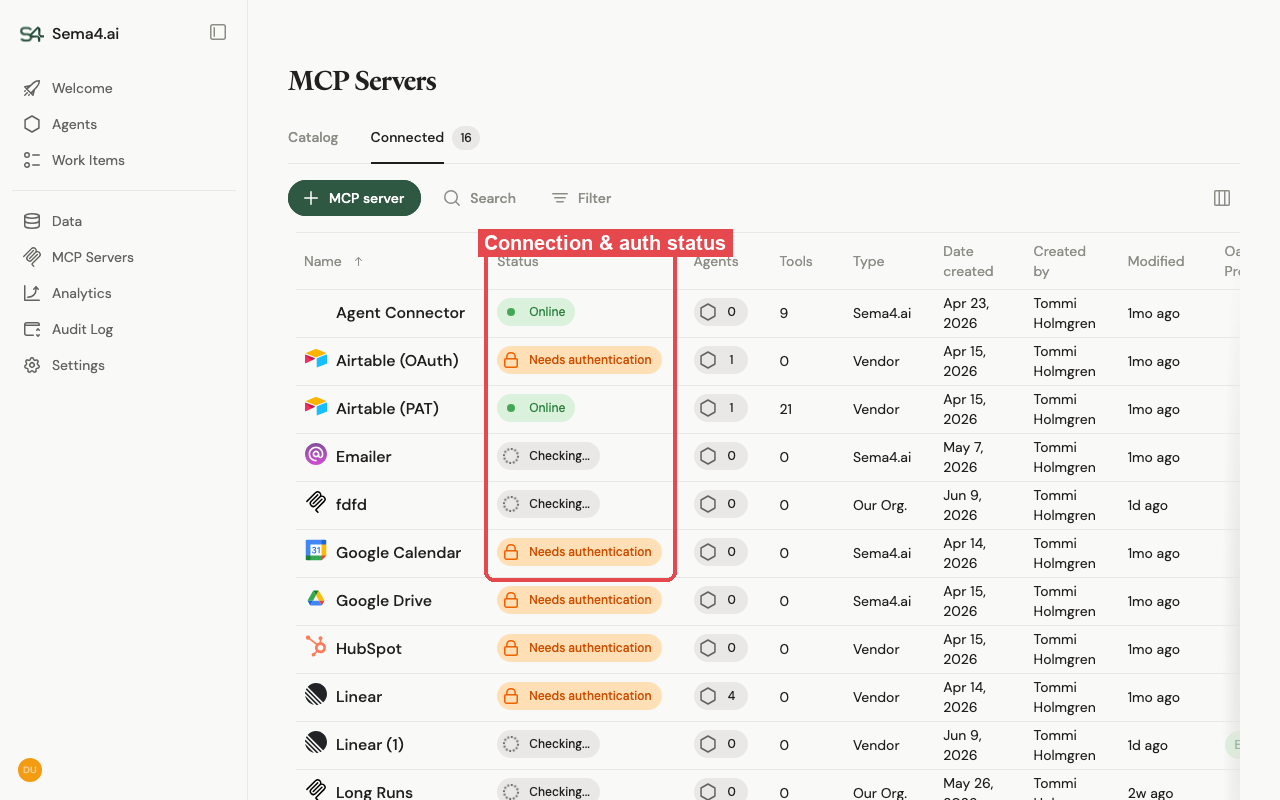
A server must be connected and authenticated before builders can attach it to an agent. The Google and Microsoft gallery servers act on behalf of a user, so they need an OAuth client set up first — see Set up OAuth for MCPs.
Self-hosted vs SaaS. On self-hosted, the Sema4.ai MCP Gallery is deployed automatically with the application; custom MCPs are hosted by you (see MCP orchestration).