Reporting issues
If something isn't working, the fastest way to tell us is the Report Issue button in the app — it sends your description to Sema4.ai along with the diagnostics we need to investigate.
Report an issue from the app
Open the user menu (your avatar, bottom-left of the sidebar) and choose Report Issue.
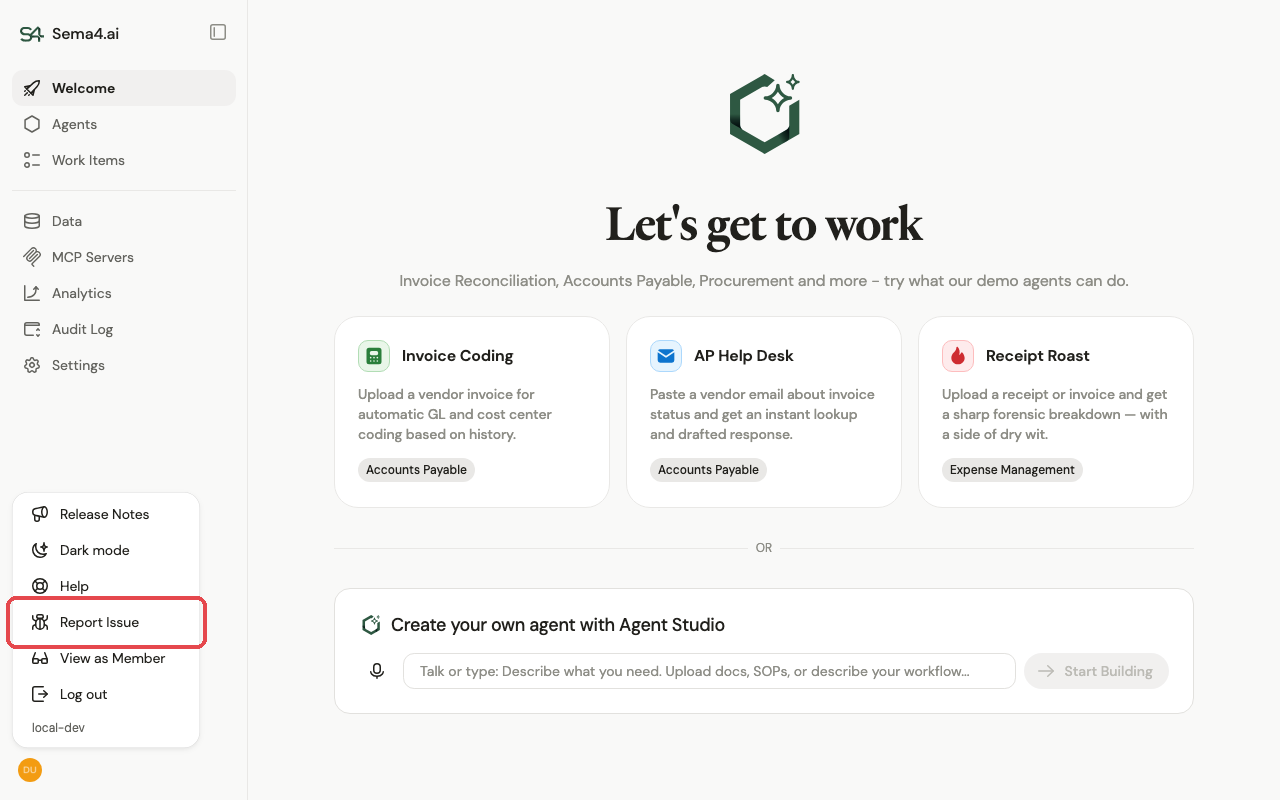
Describe what happened and submit. Along with your description, the report automatically includes recent request IDs (and any recent errors) so support can trace the exact calls behind the problem — and, where available, a link to a recording of your session. You don't need to gather logs yourself.
Write the description like a good bug report: what you did, what you expected, and what actually happened.
Self-hosted: support bundles
On self-hosted deployments, your report also attaches a support bundle — a deeper snapshot of diagnostics from your deployment, including logs, pod statuses, and recent events. It's generated and uploaded automatically alongside the report; untick the checkbox in the Report Issue dialog if you'd rather not include it.