Importing Semantic Data Models
You are able to add a semantic model from a .yaml file from your computer. This is useful if you already have a semantic model in a .yaml file, and you want to use it in your agent, or if someone else has created a semantic model and shared it with you.
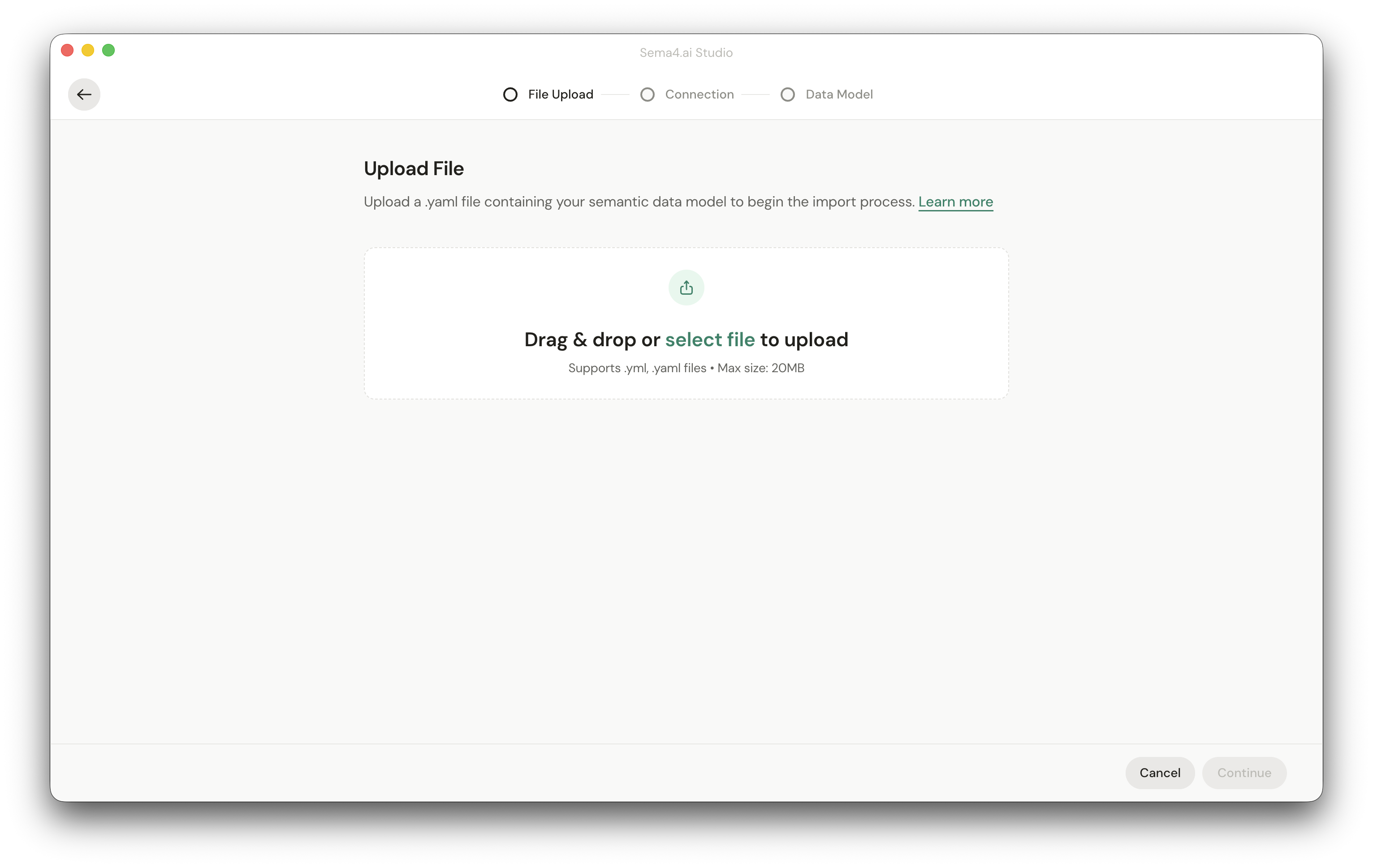
Importing is really easy!
After choosing Import Data Model you will be asked to upload the .yaml file.
If the model is based on a database, you will be prompted to provide a connection to a data source that has access to the same tables and columns as the original model.
If you connect to a database that does not have the necessary tables and columns, you will see an "Data Model Mismatch" error. In these cases you can either go back to reconfigure the connection, or continue to build a new model with the data that you have access to.
In the current version, you are able to only import models created with Sema4.ai Studio. Later, we will add support for importing models created with other tools and platforms such as Snowflake Cortex Analyst.