Editing Semantic Data Models
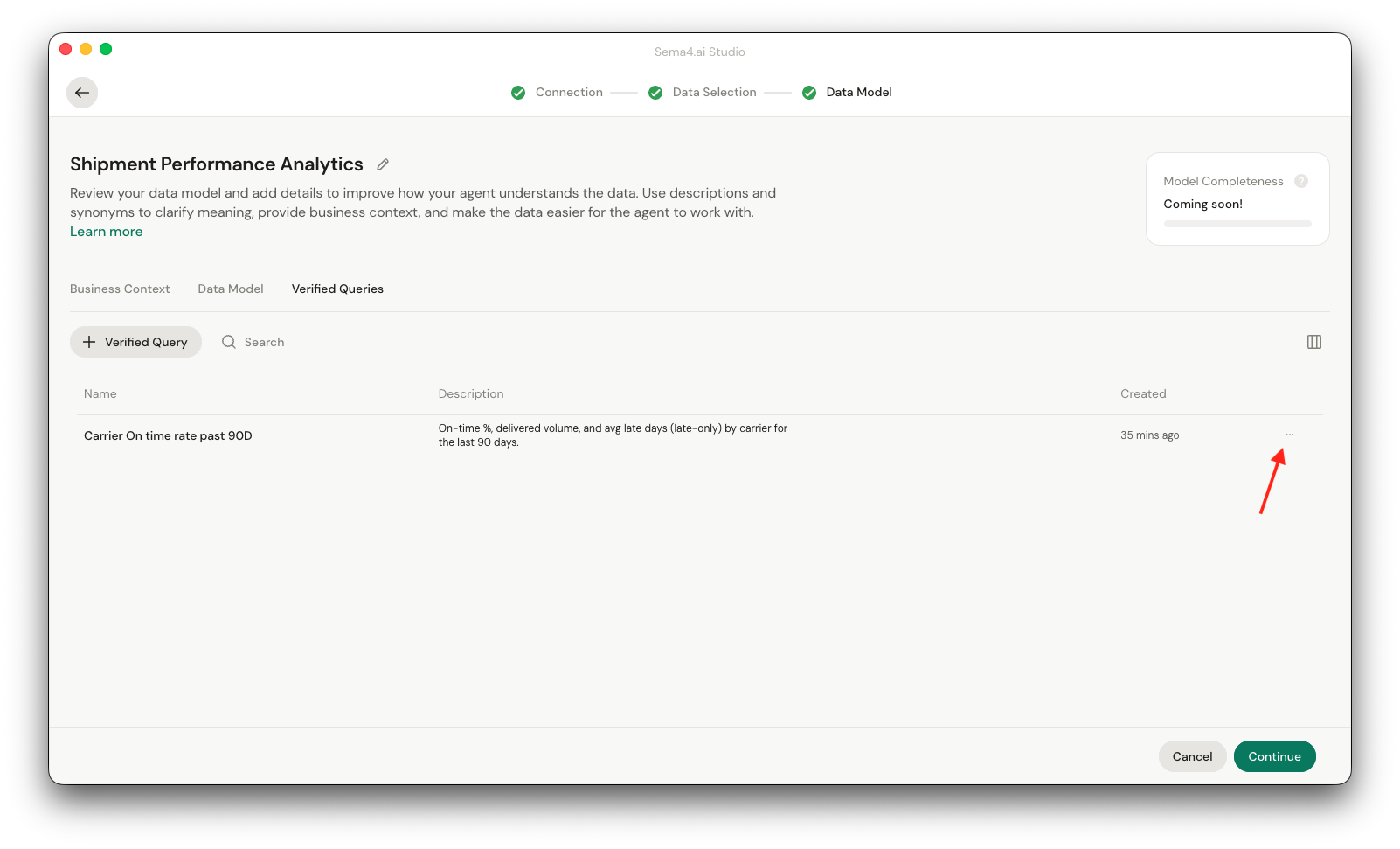
Editing semantic data models is done through the agent in the information side panel. This is accessed through the three dots menu next to the name of the semantic data model.
Data connection and selection
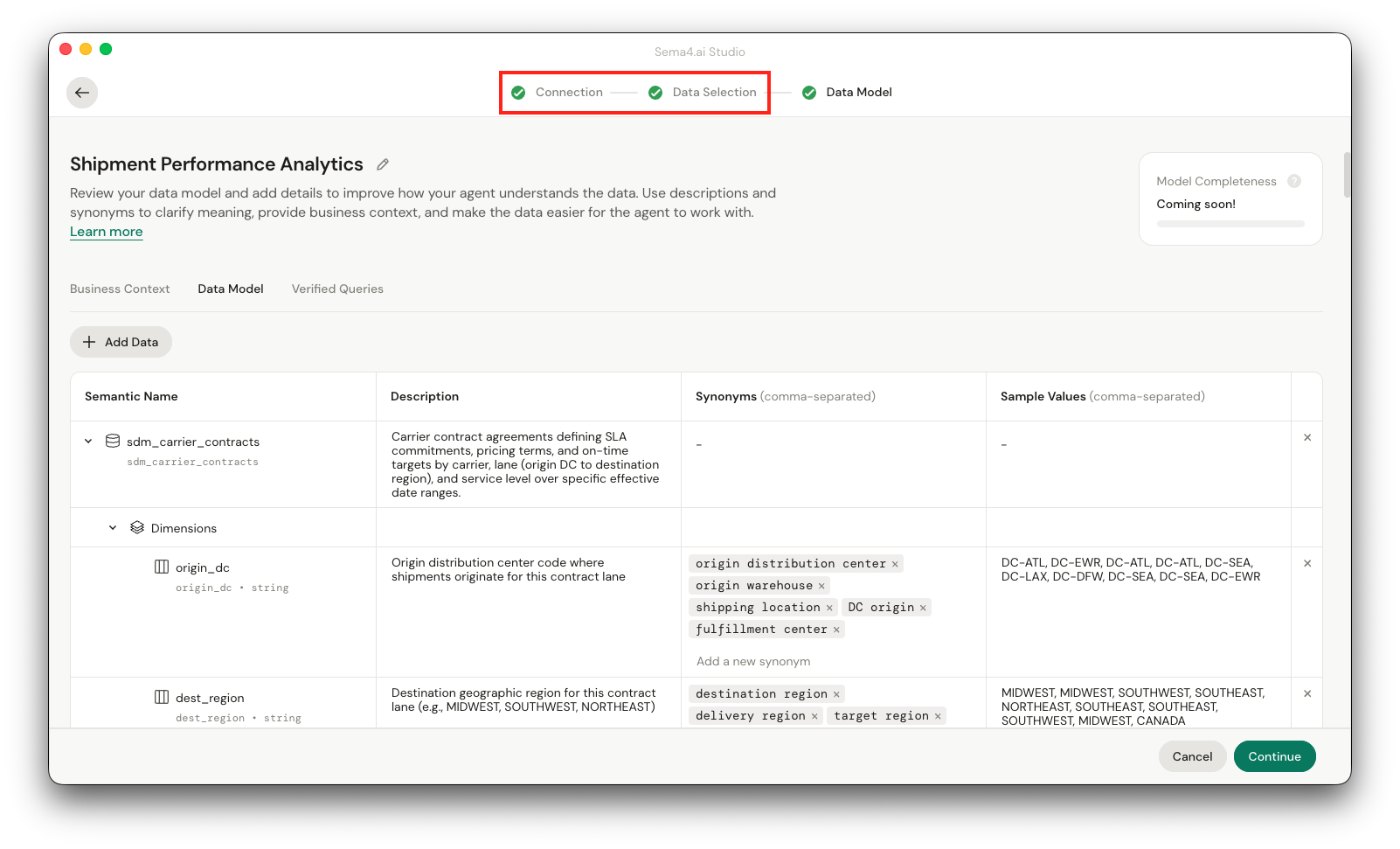
You can access the data connection and data selection through the links at the top of the view. Note that editing the connection (to another data source) or selection will automatically trigger a re-generation of the semantic data model, and you will lose the changes your might have made to the current version of the model.
Business context
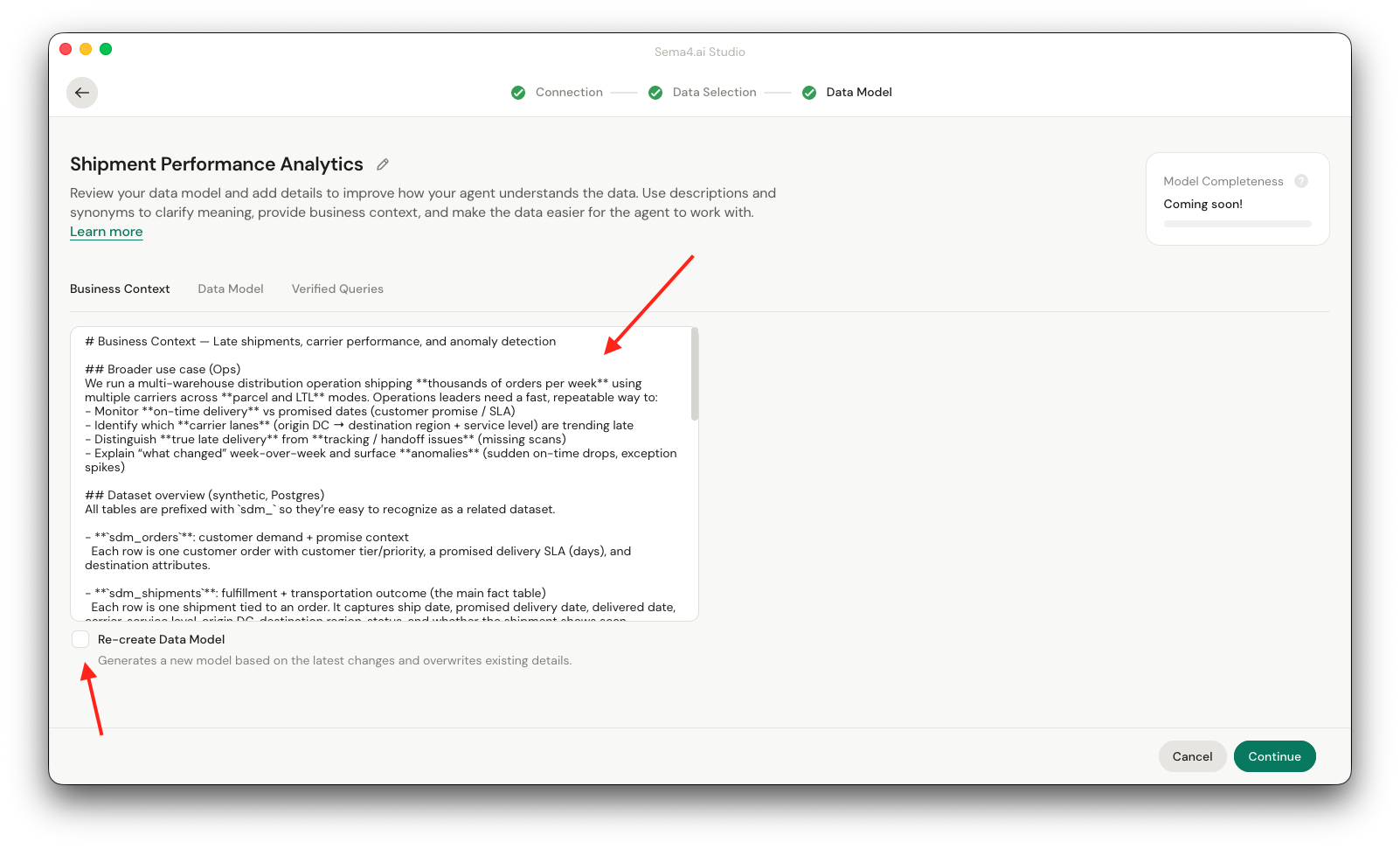
You can edit the business context on it's own tab. Just provide more details about the data and the business context in the text area.
You have a choice if you want to re-generate the semantic data model after you have edited the business context. Re-generation is recommended if you have provided material changes to the business context. Please note that re-generation will overwrite the changes you have made to the semantic data model.
Data model
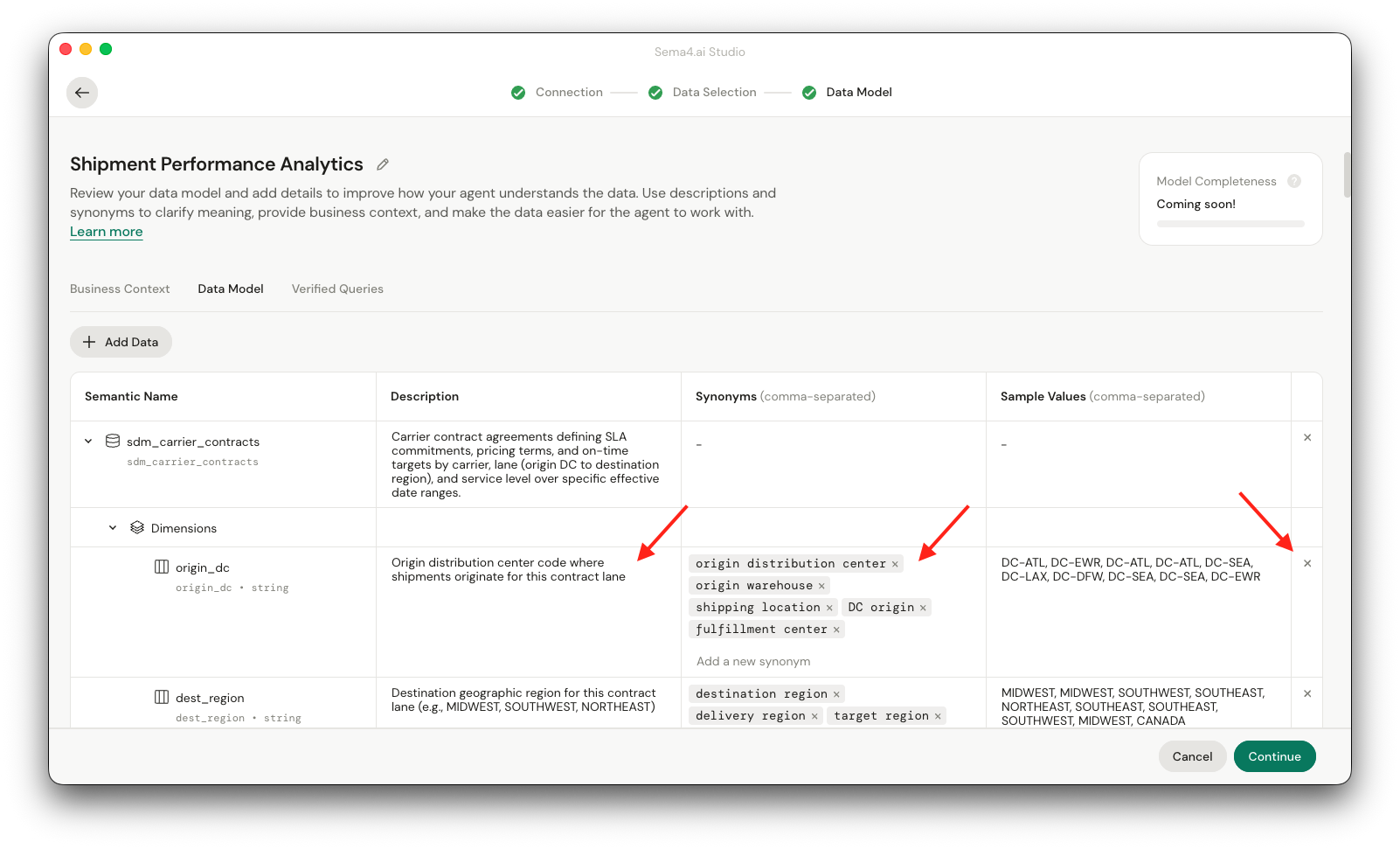
Editing the data model is done through the data model tab. You are able to change these:
- Name of the semantic data model at the top of the page
- Description of the object (table, column in each row)
- Synonyms for the columns
- Remove the object (table or column) from the semantic data model
Verified queries
You can access the verified queries list by clicking the Verified Queries tab. You'll see a list of all the verified queries for the semantic data model, and are able to edit and delete them from the three dots context menu on the right.