Data frames
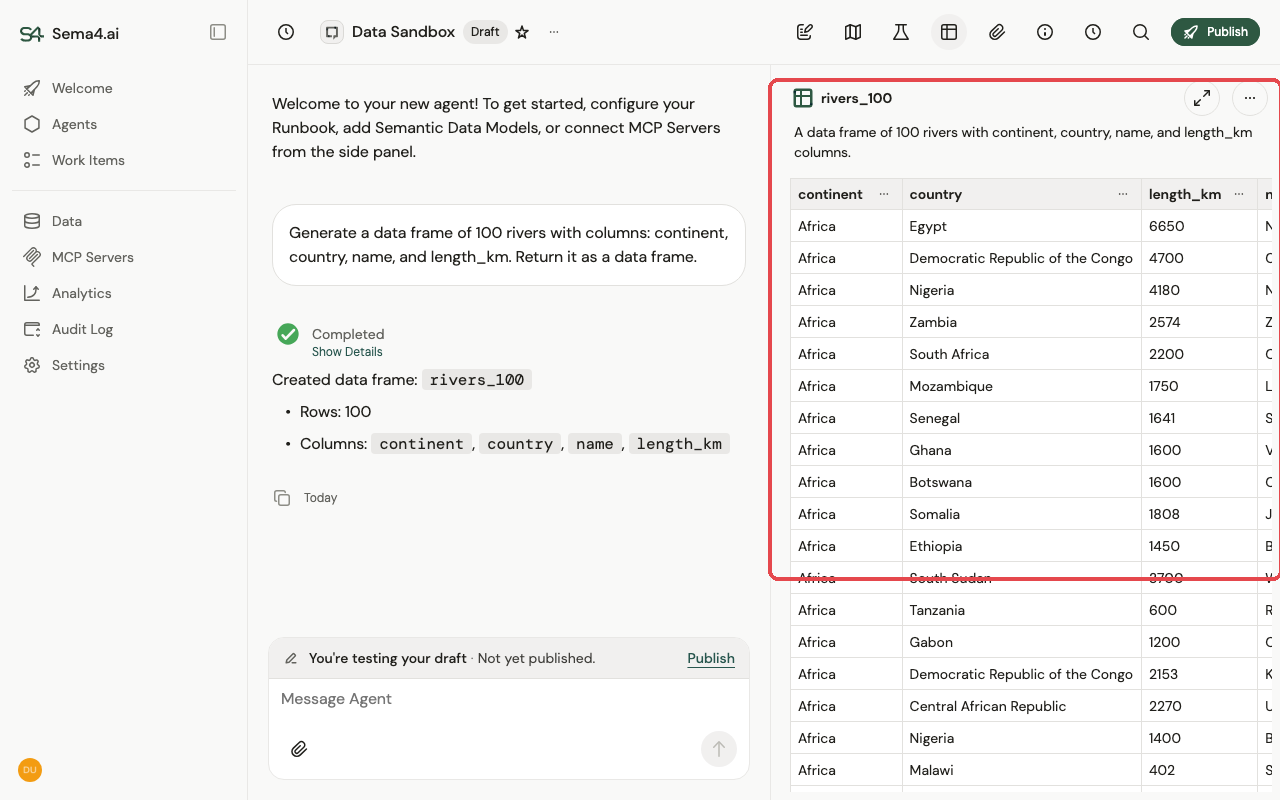
A data frame is tabular data the agent holds and works with — a real table, not text in the prompt. It comes from a file you upload (a CSV, or each sheet of an Excel file) or from a tool or query that returns rows and columns.
Why data frames matter
- They don't flood the context. A 50,000-row result never gets pasted into the prompt. The agent holds the data frame as a handle and works on it directly, so big datasets don't blow the context window, balloon cost, or get truncated and silently lose rows.
- 100% math precision. Sums, filters, joins, and aggregations run as real operations on the table — not the model eyeballing numbers in text. The arithmetic is exact and deterministic every time, so totals reconcile and counts are right.
- Traceable. Because results are computed, not narrated, you can inspect the exact data behind any answer.
Working with data frames
- Preview — open a data frame full-screen with spreadsheet-style filtering and sorting to explore the rows.
- Lineage — see how a data frame was produced: which tables were joined and aggregated to get it.
- Export — download a data frame as CSV to use elsewhere.