User management
Manage who has access under Configuration > Users: invite people, set their role, and enable or disable accounts.
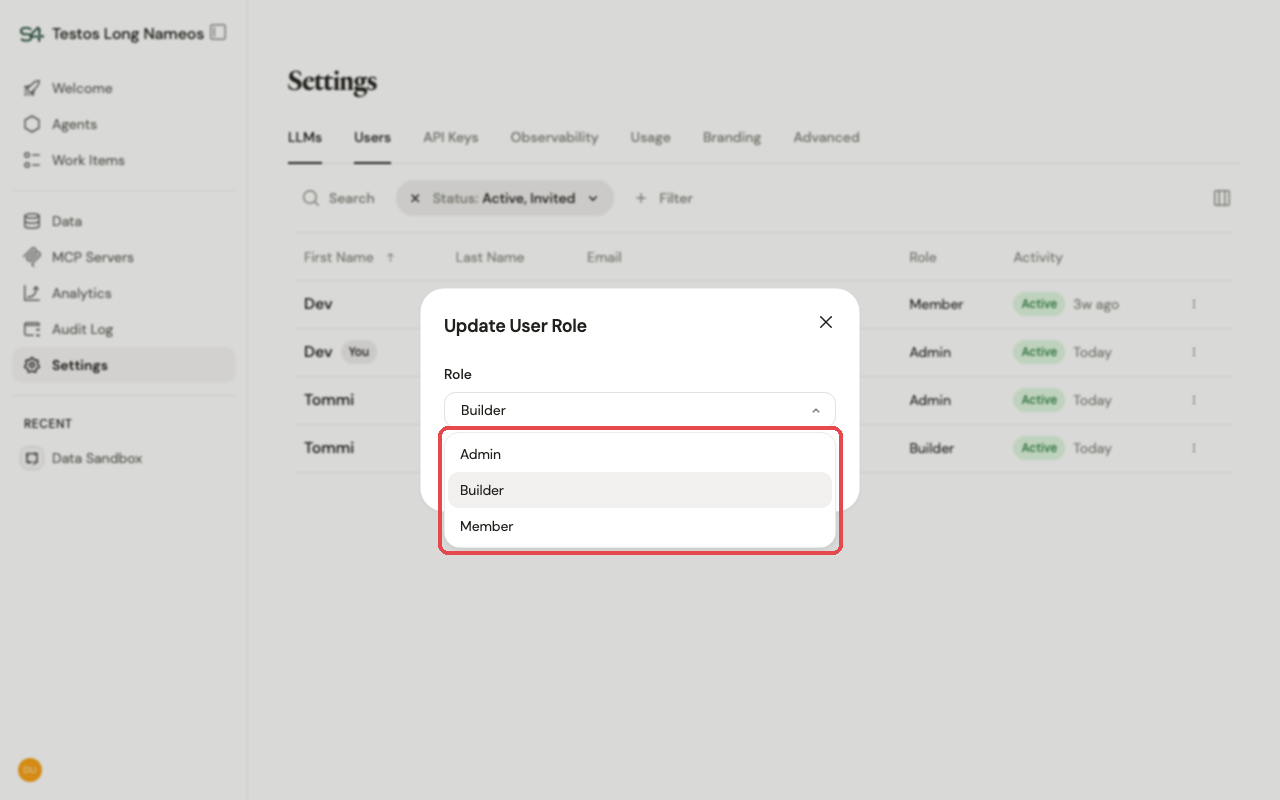
- Roles — every user has one of three roles:
- Admin — full access: agents, users, and workspace configuration (LLMs, MCP servers, branding, observability, analytics).
- Builder — everything a Member can do, plus building: create, edit, and publish agents, and manage the resources agents depend on — MCP servers, data connections, and semantic data models. Builders can also create API keys scoped to themselves — but not service-account keys, which are Admin-only. They can't manage users or workspace configuration.
- Member — use agents; can't create them or change configuration.
- Invite users by email with a role.
- Auto-add by email domain — optionally allow your organization's email domains. Anyone who signs in with an email on an allowed domain is then admitted automatically and gets the Member role by default — no individual invite needed. Use with care: it's an open door for that whole domain.
- Enable / disable revokes access without deleting the account.
Self-hosted vs SaaS. Who can sign in is governed by your identity provider (see Identity providers); roles are managed here in the application.