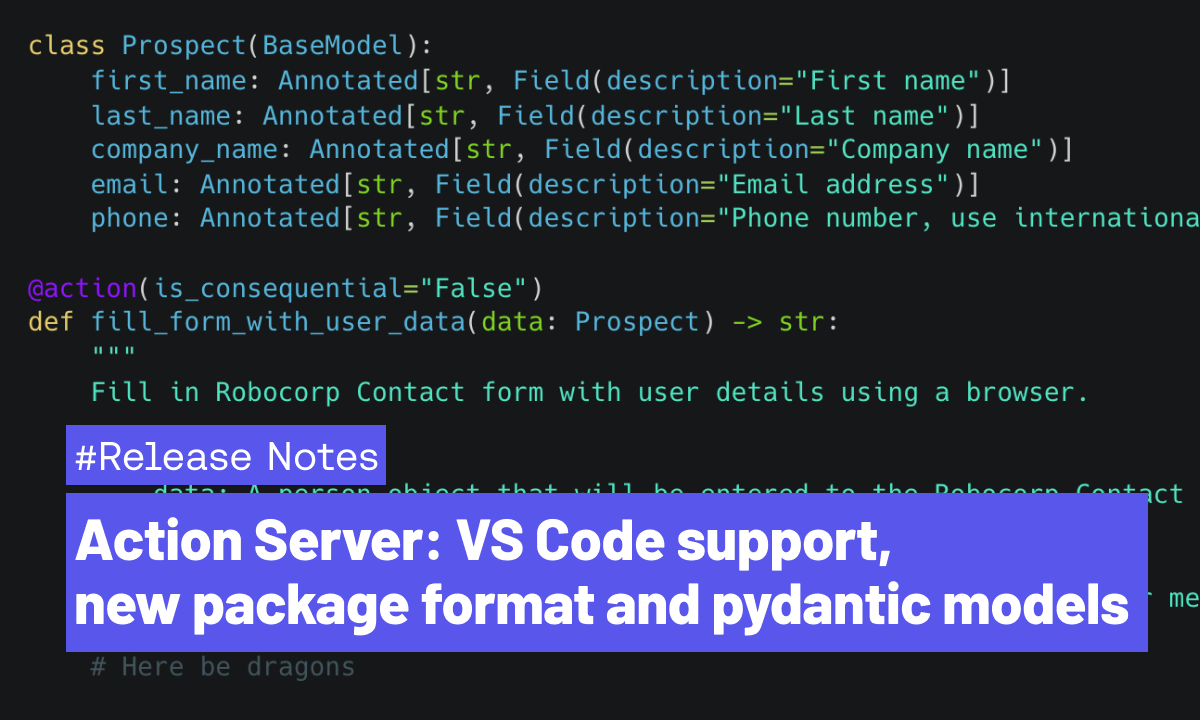
Action Server: VS Code support, new package format and pydantic models
Action Server is developing fast towards general availability, with 10 releases in the past 7 weeks! It's time for a recap of the biggest new features and updates. To follow the plans and progress in detail, head to the GitHub Project, and check out the changelog.
New Action Package format
We've introduced a new configuration file and format: package.yaml. It replaces the previous conda.yaml (and other) files, and simplifies the configuration of Action Packages along with their Python environments to a single file.
Run command action-server package --update in your project folder to automatically upgrade to a new format.
Robocorp Code for VS Code supports Actions
We've added proper support for developing Actions (and Packages) to our VS Code extension. You can now access commands like Create Action Package, Run and Debug Action from the Command Palette.

In addition, you can now start the Action Server locally from VS Code. When running Actions, VS Code helps you create test inputs in devdata folder so that you don't need to repeat giving the inputs separately every time.
Custom data models as Action inputs and outputs
You can now use custom pydantic models as inputs/outputs of an @action. This opens many possibilities besides previously supported simple str, int, float and bool. Most commonly used LLMs create solid JSON inputs for function/tool/action calls; supporting those now in the Actions is a breeze.
For example you could define a class for "Prospect" like this
Then you can use it as an input argument in one or more actions just like this:
When using the Annotated types shown above, you only need to describe the fields once in your custom model, and they will be automatically included in the OpenAPI spec that gets exposed to AI Assistants like Custom GPT. Check out this cookbook example on how to use custom models, or head over to our Youtube channel for a video on how to use the Actions with OpenAI Custom GPTs!